Key takeaways
- Map the computer vents, holder contact points and required access before choosing an under-desk mount; physical case fit is only one check.
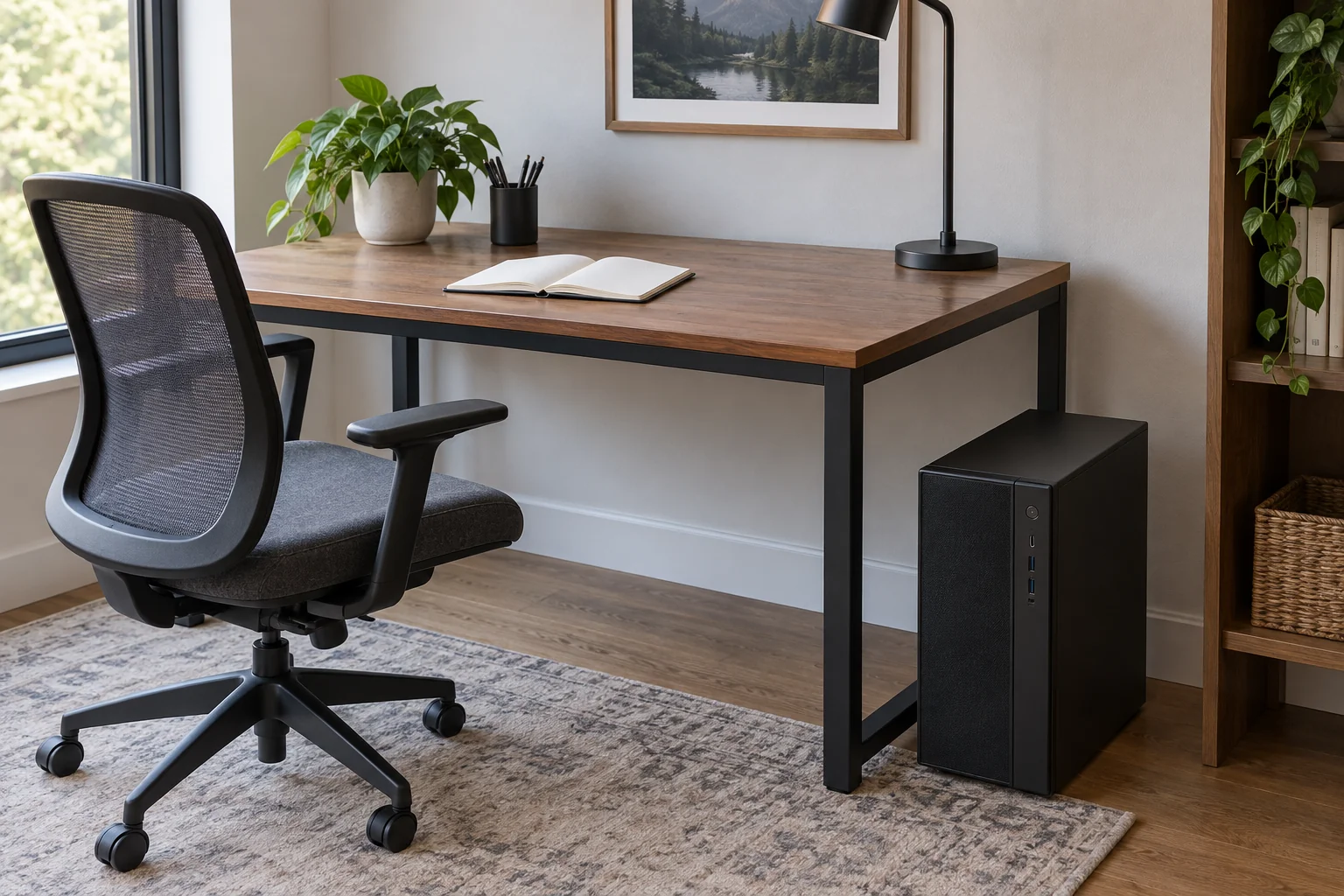
Measure an under-desk computer mount in two layers: whether it can support the exact case as instructed, and whether the mounted position preserves the computer’s required ventilation and access. A tower that fits between adjustable brackets can still have a vent covered by a pad, a cable pressed against a wall or insufficient space in the desk’s lowered position.
Identify the case before choosing the holder
Record the computer’s exact model and case format, then find its installation or ventilation instructions. A product family can contain towers, small cases and horizontal desktops with different layouts. Use the specification for the actual case, including any required feet or orientation.
Separately record the proposed holder’s part number, permitted dimensions, supported load and mounting instructions. In furniture listings, “CPU holder” commonly refers to a holder for the computer enclosure. Its name is not proof that it accepts every desktop computer or every surface beneath a desk.
Draw a vent and contact map
Sketch the case from the front, back, both sides, top and bottom. Mark visible ventilation openings and identify their role from the computer documentation where available. Keep power connectors, other ports and removable service panels on the map too. Do not open the computer or run an improvised airflow experiment to complete the drawing.
Overlay the holder’s specified contact areas: pads, straps, brackets and supporting shelf. A nominal width range only describes one aspect of the fit. Check whether the actual support positions are allowed for the case and whether they cover a vent, press a control or obstruct a removable filter.
| Area | Computer requirement | Proposed holder/location |
|---|---|---|
| Case envelope | Exact dimensions and orientation | Documented holder range |
| Contact points | Permitted support surfaces | Pad, strap and bracket positions |
| Vented faces | Required open space from manual | Nearest obstruction in each direction |
| Connections | Actual plugs and cable route | Unforced access and cable space |
| Service access | Filter or panel removal procedure | Whether holder blocks the required access |
| Desk movement | All intended operating positions | Floor, knee, cabinet and cable conflicts |
Use the right ventilation instruction
The Dell OptiPlex 9010 technical guide distinguishes enclosure ventilation from placement on or under an open desk. Its enclosure section addresses vented sides and doors rather than treating empty space anywhere around the computer as equivalent. Those are instructions for the documented system, not universal clearance values for other cases.
Obtain the corresponding requirements for your own computer. If the manual does not answer whether a bracket may cover a particular area, ask the manufacturer with a clear photograph and holder drawing. Do not average several brands’ recommended gaps into a new rule.
Measure toward the nearest obstruction
For each required opening, measure the available space to the nearest relevant surface in the proposed position. That may be a desk frame rail, drawer box, cabinet side or the holder itself. A generous gap at the back does not cancel a blocked opening on another face.
Keep connector space distinct from ventilation space. A cable plug and its unforced route can project farther than the case body. Record both the bare-case dimension and the installed connection envelope. Do not bend a connector sharply or push it sideways to make a paper layout fit.
An illustrative fit failure
Imagine a fictional case is 180 millimeters wide and the holder’s documented width range includes 180 millimeters. That passes the first size comparison. However, the holder drawing places a broad support pad across a side opening shown in the computer’s installation instructions.
The worksheet marks contact compatibility unresolved. The buyer asks the manufacturers about the combination instead of declaring it suitable from the width alone. No invented temperature or performance result is needed to identify the missing evidence.
In another proposed position, an existing drawer box occupies part of the clearance the exact computer manual requires. The solution is to reconsider the location or approved holder, not to cut away part of the case, holder or desk. These examples describe compatibility decisions rather than a mounting procedure.
Check a moving desk as a system
If the holder moves with an adjustable desk, include the computer, holder and their cables in the desk manufacturer’s load and movement requirements. Confirm the rating’s definition rather than subtracting from an ambiguous headline number. Installation into the desktop also needs the approved material and attachment arrangement.
Plan the lowest and highest intended positions and the movement between them using the manufacturer’s procedure. Consider nearby furniture, knees, floor contact and connections to fixed equipment. Do not use powered movement as a collision test or bypass a desk’s protection because the proposed holder looks close to fitting.
Keep access practical after installation
Ask how the computer will be removed for the maintenance allowed by its maker. A holder can be dimensionally suitable yet awkward to release when a drawer or wall blocks the intended access. Plan handling and support without balancing a heavy case while undoing hardware.
Save the two manuals and your completed map. A suitable proposal needs agreement across case fit, approved support, ventilation, mounting and everyday access. Passing only the adjustable-width check is an incomplete answer to whether an under-desk holder belongs in that particular workspace.