Key takeaways
- Record afternoon reflections, window conditions and task lighting before comparing desk layouts, using a simple observation sheet and room sketch.
Map afternoon glare before moving a heavy desk by recording when it appears, where the light comes from, and which task becomes difficult to see. Then compare a small number of layout options under similar conditions. One photograph taken at noon cannot describe a workspace used at four in the afternoon.
Describe the observation before choosing a remedy
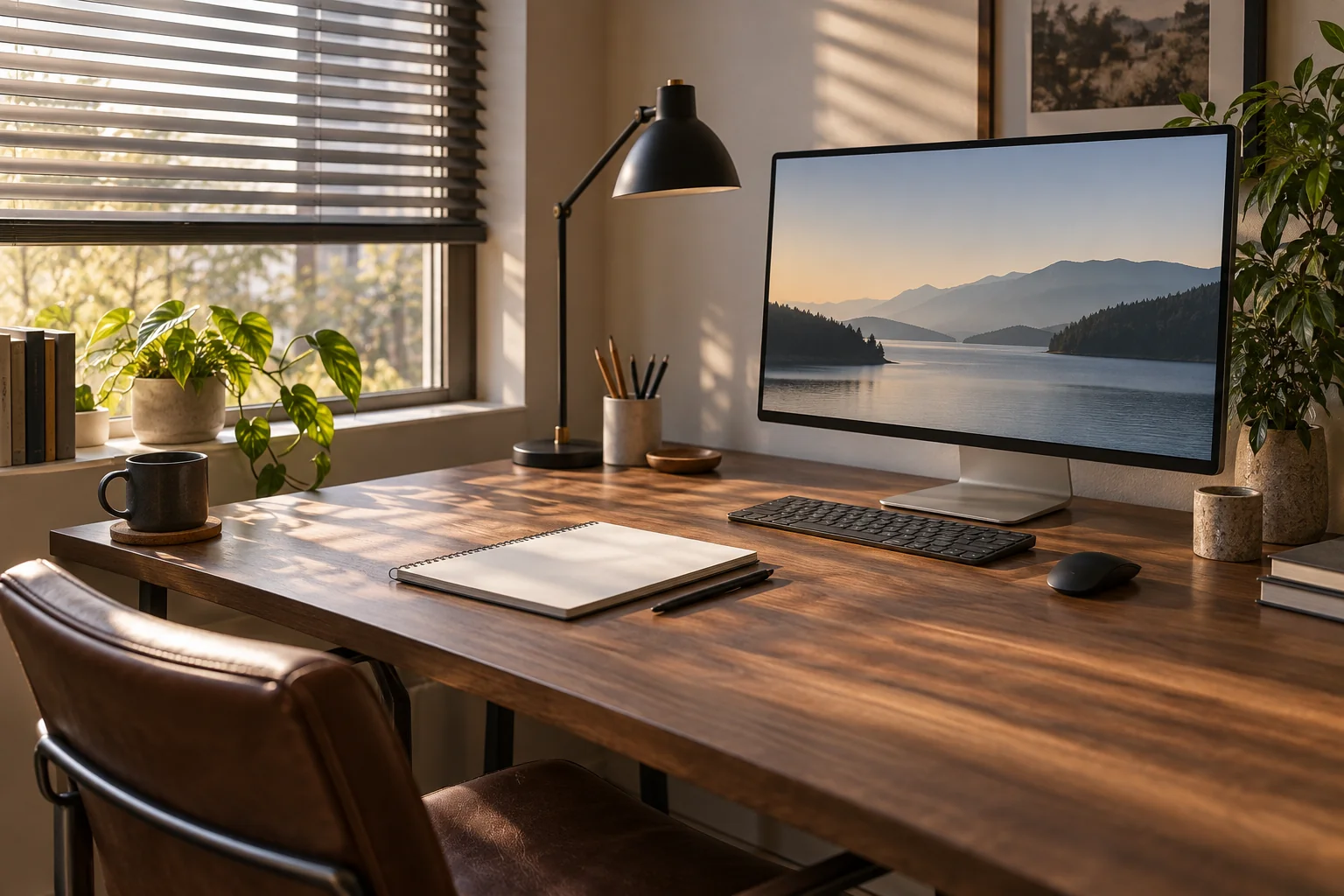
Separate a reflection visible on the display from a bright window directly behind it, a reflection on the desk surface, or poor light on paper. Note what you actually see rather than using “too bright” for every problem. Different observations may lead to different layout questions.
The OSHA computer-workstation environment guide discusses window, overhead-light and desk-lamp glare. It suggests orienting screens at right angles to windows and placing task lighting so it does not reflect on the screen. Use that as a candidate arrangement to evaluate, not a guarantee that one compass direction solves every room.
This worksheet is a household layout aid. It does not measure light levels, diagnose eye symptoms or certify a workplace. If discomfort persists, seek appropriate professional advice rather than continuing an uncomfortable observation session to complete the chart.
Draw the fixed features
Sketch the room with windows, doors, fixed shelving and the current desk position. Mark where the screen faces and where you normally sit. Include nearby reflective surfaces and the positions of lamps used during work. You do not need an architectural drawing to record these relationships.
Keep a second layer for proposed furniture positions. A glare improvement is not acceptable if it blocks a door, floor vent or necessary route. A rotated monitor may also need a different cable path or viewing position, so include those constraints before moving anything.
Observe during your actual working hours
Choose a few times that represent the troublesome period. Record the date, approximate time, weather, blind or curtain position, and which lights are on. Keep the screen’s content and settings reasonably consistent when comparing observations. Do not deliberately stare at the sun or into a bright lamp.
| Observation | What to record | Why it helps |
|---|---|---|
| Time and conditions | Date, time, sky and window covering | Distinguishes different daylight situations |
| Task | Screen work or reading paper | Identifies the affected surface |
| Visible problem | Reflection, bright background or desk shine | Avoids a vague brightness label |
| Likely source | Window or particular lamp, if identified | Suggests a controlled change |
| Change tried | One permitted adjustment | Makes the result interpretable |
| Outcome | Plain observation plus any new obstruction | Balances visibility and room use |
Mark the source as uncertain if you cannot identify it. A personal observation is still useful without a lux meter or a numerical comfort score. Avoid inventing a percentage improvement based on a phone photograph whose exposure changed between shots.
Change one thing at a time
Begin with permitted, reversible changes such as adjusting an existing blind or repositioning a task lamp according to its instructions. Keep sufficient light for the work being done. Do not alter ceiling wiring, remove fixture parts or cover a lamp with improvised material as part of the layout exercise.
If a different screen orientation appears promising, sketch the complete desk and chair position first. Our small-office desk sizing guide covers the separate footprint and in-use space checks. Include the whole setup rather than assuming the monitor’s new position is the only change that matters.
Worked example: the afternoon window reflection
In a fictional home office, a person records a window reflection across the screen late in the afternoon. At an earlier observation time, the same display looked clear. The log includes the blind position and weather, so the difference is not mistaken for a permanent monitor fault.
The person first adjusts the existing blind within its normal operation and records the result. They then consider a desk orientation with the window to the side. A floor sketch shows that the proposed chair position would collide with a cupboard door, so that exact arrangement is rejected before the heavy desk is moved.
A second arrangement preserves the door route and is tried with appropriate help and the equipment safely handled. The person observes it during the same part of the afternoon on another suitable day. The notes describe the reflection and room access; they do not claim a measured health or productivity benefit.
Account for changes over time
Daylight conditions vary across seasons and weather. Keep the dates in the record rather than assuming one successful afternoon represents the whole year. Recheck when a new monitor, desk surface, window covering or nearby reflective object changes the scene.
Finish with the chosen layout, the normal blind and lamp settings, and any conditions that still require adjustment. Keep unresolved observations visible. A short, repeatable record is more useful than repeatedly dragging furniture around in response to a glare problem you have not yet located.