Key takeaways
- Record desk display messages, equipment identity and the event sequence for manufacturer support without guessing a diagnosis or reset procedure.
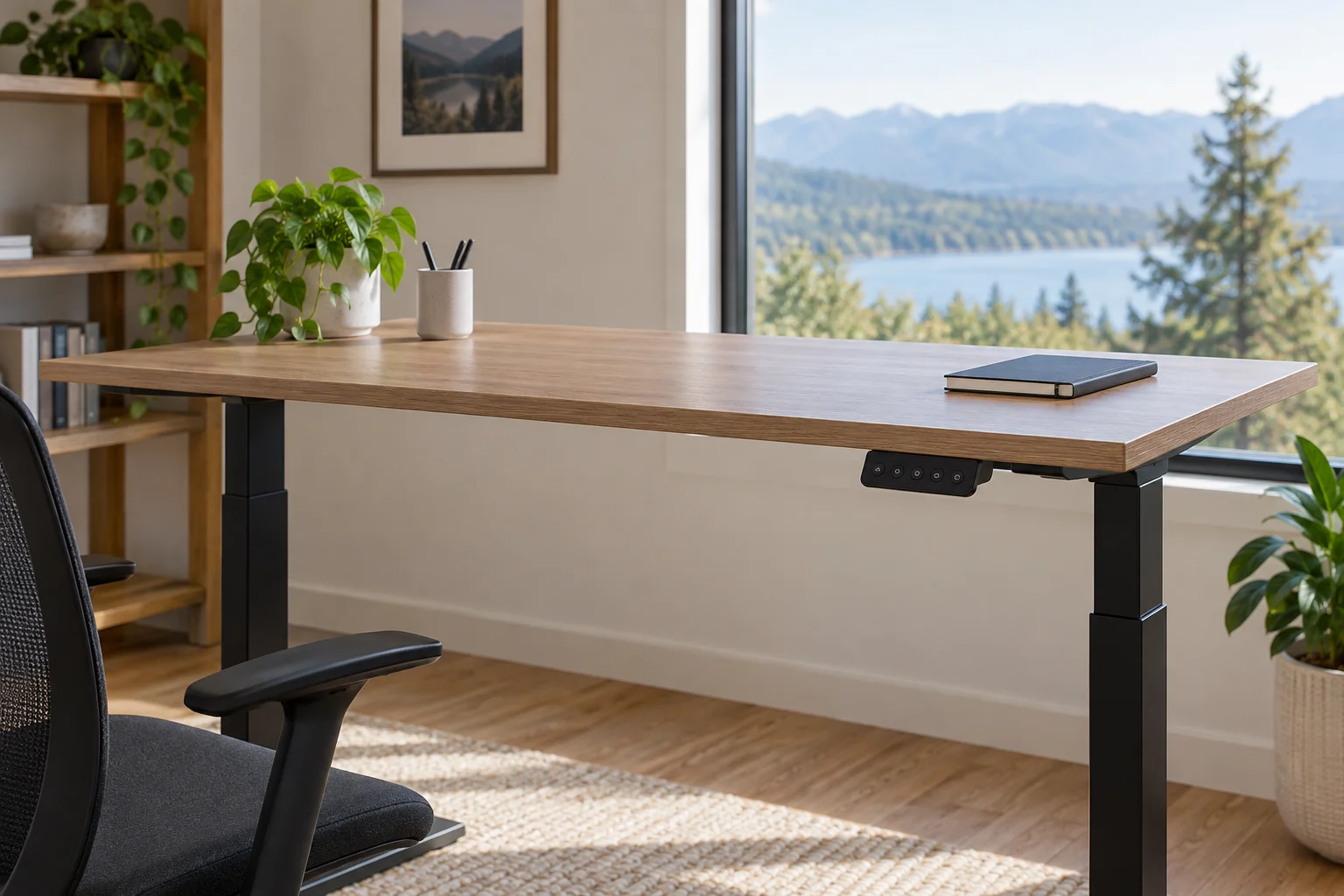
Record a standing-desk controller message exactly as it appears, then connect that observation to the desk model, keypad and circumstances. Send the manufacturer a small, organized evidence packet. A code copied from another brand’s troubleshooting chart can lead the conversation in the wrong direction before anyone has identified your equipment.
This guide covers documenting an existing observation. It does not prescribe a reset, cable swap, electrical test or control-box repair. Follow the instructions for the exact desk and contact its support team when the applicable procedure is unclear. Do not repeatedly move a faulty desk just to produce a better recording.
Identify the desk and the display separately
Start with the desk brand, frame model and available order information. Add the keypad or controller identifier if it is visible without dismantling or moving an unstable setup. Keep an unknown field marked “not yet identified.” A photograph of the desk’s overall arrangement can help support understand what you have, but it should not replace the product label.
Do not assume that the desktop’s retail name identifies the frame or electronics underneath. A desk may have been ordered with a particular keypad option or assembled from separately purchased components. Describe what you know and attach the relevant order or manual page, removing unrelated personal information before sharing.
Copy the display without interpreting it
Write the displayed characters as closely as you can, preserving their order and any repeated changes. Note whether the display stayed on, flashed, went blank or alternated between two messages. If a character is ambiguous, say so and include an existing clear photograph rather than silently replacing it with a familiar-looking code.
UPLIFT’s assembly and programming page illustrates why the keypad matters: it describes “ASr” on display keypads and “RESET” on paddle keypads in its reset guidance. That is a manufacturer-specific example, not a dictionary for other desks. Record the actual wording first and let the matching instructions determine what it means.
| Observation field | Useful entry | Avoid |
|---|---|---|
| Display | Exact characters, or uncertain character noted | Replacing the message with a diagnosis |
| Time and sequence | When observed and what happened immediately before | Combining several attempts into one story |
| Motion already observed | None, direction or brief movement as seen | Running extra cycles to reproduce it |
| Equipment identity | Frame and keypad identifiers with source | Assuming all parts share the desktop’s name |
| Recent changes | Known move, outage or accessory change | Declaring a change caused the fault |
| Actions already taken | Exact instruction followed and its result | “Tried everything” without a sequence |
| Current status | Stationary, awaiting instructions, unresolved | Calling a cleared display a verified repair |
Build a short event timeline
Use one line per observed event. Separate the original symptom from later actions, and record whether an action came from the exact manual, a support response or another source. If you have already tried something, describe it accurately rather than repeating it to make the notes more complete.
Include relevant environmental facts without speculating. For example, “the desk was moved yesterday” is an observation; “the move broke the controller” is a conclusion that has not been established. Likewise, a new accessory may be worth mentioning even if you do not know whether it is connected to the message.
Worked example: uncertainty is useful evidence
Imagine a desk that displayed three characters after the owner tried to raise it. The owner could not tell whether the middle character was a letter or a number. The record says exactly that, links to the photograph already taken and notes that no further movement was requested. The desk model is known, but the keypad identifier is still missing.
The support request asks which identifier or document is needed next. It does not report a motor failure, buy a replacement box or translate the message using another brand’s list. Once support identifies the keypad and supplies a model-specific procedure, that response is attached to the same event. Any later action and result get a new dated line.
This fictional example has no diagnostic outcome. Its value is that the next person can see what is certain, what remains uncertain and which instructions have actually been followed. A concise record is more useful than a confident but unsupported explanation.
Send only the evidence needed for the next step
Prepare the model information, display image, brief timeline and a direct question. Use the manufacturer’s official support channel. UPLIFT’s troubleshooting page, for example, provides routes to its support team; use the equivalent official channel for the desk you own rather than assuming its procedures apply universally.
Keep the support reference and response with the record. If additional photographs are requested, confirm what is needed and obtain them only when the equipment and position allow it without creating another problem. Do not open sealed electronics or bypass a safety function to obtain information.
Close the event only when the requested follow-up has been resolved under the applicable instructions. Preserve the original observation even if the display later changes. That history helps support distinguish the initial symptom from what happened afterward.