Key takeaways
- Measure the actual desk cutout, flange coverage and underside space so a replacement cable grommet fits without guessing from the old cap.
What's inside
Measure the opening in the desktop, not just the visible cap of the old grommet. Then compare that opening with the replacement’s specified cutout, overall flange and installation depth. These are different dimensions, and a listing that gives only an attractive cover diameter does not establish whether the part will fit.
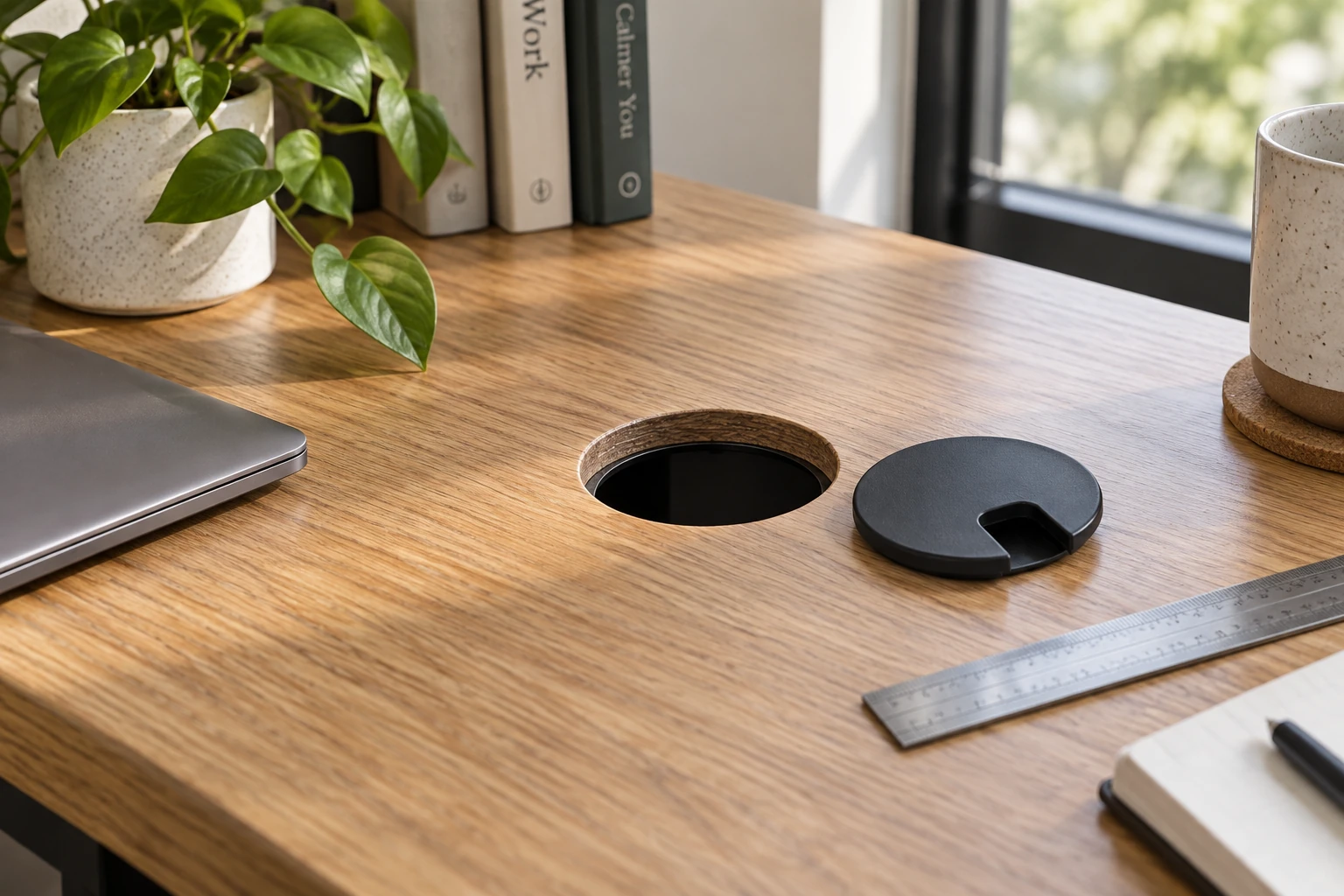
Identify which piece you are replacing
A cable grommet may include a sleeve fitted into the desktop and a removable lid inside that sleeve. A replacement lid is not necessarily interchangeable with another manufacturer’s sleeve, even when both are described with the same nominal size. Start by deciding whether you need the lid alone or the entire assembly.
Look for a model number or maker’s mark on accessible parts. Photograph the current fitting from above and, if safely accessible, underneath. Do not pry out a bonded component or force an unfamiliar clip merely to obtain a measurement. Ask the desk manufacturer how the fitting is retained when its attachment is unclear.
Record the actual cutout
Clear loose items from the desk and identify the cables passing through the opening before moving anything. If a removable cover can be lifted as intended, measure the exposed opening without straining the cables. Measure a round cutout in two perpendicular directions; record both readings if they differ. For a rectangular opening, record length, width and corner shape.
Write the units beside every value. A rough tape reading is a preliminary check, not permission to substitute the nearest advertised size. If the part needs close tolerances and you cannot measure confidently with the available tool, obtain help or ask the supplier which dimensions it needs.
| Measurement | Record from the desk | Compare with the replacement |
|---|---|---|
| Cutout | Actual opening, with shape and units | Required hole or cutout dimensions |
| Top surface | Flat area around the opening | Overall flange footprint |
| Desktop thickness | Thickness at the fitting | Allowed thickness or retention requirements |
| Underside space | Nearby frame, tray and bracket positions | Sleeve depth and installation access |
| Cable passage | Largest connector and bundle needs | Usable opening with lid installed |
Keep three diameters separate
Mockett’s SP grommet specification illustrates the distinction. It describes a 2⅛-inch hole, a 2⅝-inch overall diameter and a 1¹⁵⁄₁₆-inch inside diameter. Those numbers describe different features of one named product; none is a universal desk-grommet standard.
The cutout describes where the sleeve fits. The flange covers the edge of the cutout. The usable interior describes available passage, which may be further affected by the lid or cord slot. Copy the labels from the manufacturer’s drawing rather than putting every number into a single field called “size.”
Use a fit decision, not a rounding rule
Consider a hypothetical desk opening measured as approximately 60 mm, with an old cap measuring approximately 70 mm across. A replacement advertised only as “70 mm cover” still leaves the essential fit question unanswered. Its sleeve might require a different hole, and its attachment might need more underside space than the desk offers.
The next step is to request the cutout drawing, retention method and permitted desktop thickness. It is not to assume that matching the old cap makes the part compatible. If the opening is damaged or irregular, show that condition in photographs as well; a wider decorative flange does not repair an unsuitable substrate.
For rectangular fittings, check corner radii and whether a recess is required. Two openings with identical length and width can still differ at the corners or in the way the flange sits. Do not cut or enlarge the desktop based on a catalog thumbnail. Confirm the actual part and the desk manufacturer’s modification guidance first.
Check the working cable path
A connector that passes through the bare hole may not pass through the replacement sleeve or closed lid. Measure or compare the connector itself, including the rigid housing, and consider whether cables can be disconnected and reconnected according to their equipment instructions. Do not force a plug through a tight slot.
Look underneath for a cable tray, crossbar or drawer that blocks the sleeve or the installation hand space. On an adjustable desk, account for the equipment maker’s cable-routing requirements through the intended travel. A grommet is an edge-management component, not a substitute for proper cable slack, strain relief or an approved electrical accessory.
Send a complete question to the supplier
Attach the desk model, photographs, measured opening, desktop thickness and the proposed replacement model. State whether the old sleeve remains in place. Ask the supplier to confirm the required cutout and attachment compatibility, including any uncertain measurement.
After fitting a confirmed replacement according to its instructions, check that it sits correctly, stays secure and does not pinch cables. Keep the part number with the desk notes. The small amount of documentation makes a future replacement much easier than repeating a search based only on the color and visible diameter of the cap.